filament sensor not working #113

Reference in New Issue
Block a user
Delete Branch "%!s()"
Deleting a branch is permanent. Although the deleted branch may continue to exist for a short time before it actually gets removed, it CANNOT be undone in most cases. Continue?
i just updated to the newest version and all the configuration was erased sow i put it in so when a pin is low it will send m600 to the printer for filament change but it does not work if i change it to pause print that works but it will not send the gcode am i doing something wrong?
Well, you are probably doing something wrong...
For the first issue you did not read the release notes , it was clearly indicated that that would happen.
I spent more than 120 hours, of my free time, upgrading and coding this plugin with user requests, and would really appreciate if people would take 2 minutes to read the documentation...
Follow the troubleshooting guide, check the log, check what pin mode your raspberry pi is using, after all that, you should have opened a issue, and without print screens, log, it is basically impossible to help you...
yes i knew it was going to clear it i just wanted to tell you that i might have done something wrong
attach log, print screens... both of the input settings and advanced part...
do this: set it to filament, save, restart the server, start a "mock print" and press the filament sensor, cancel the print after few seconds, and send me the print screens and the log.
any update? I tested the feature again yesterday and could get it working without issues....
octoprint (2).log
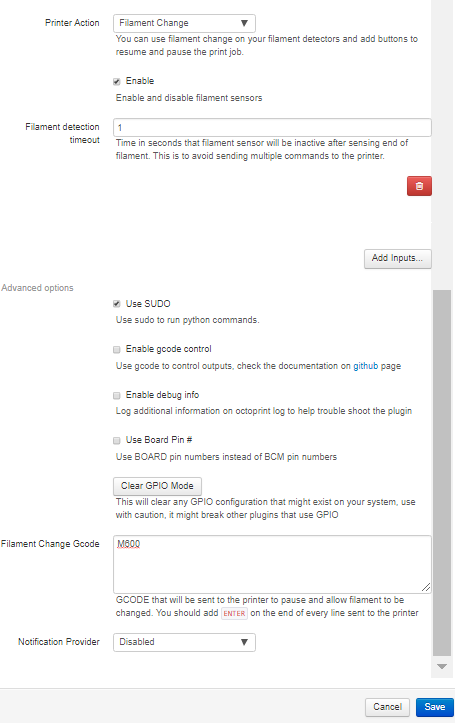
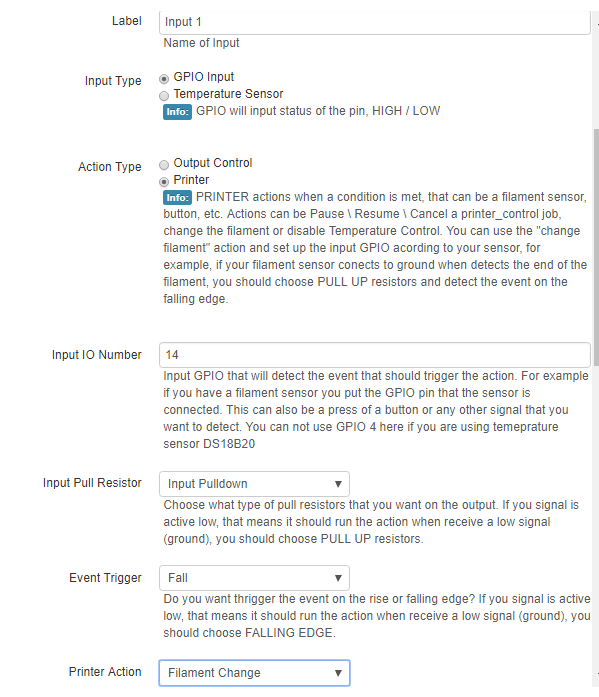
this is the log and print screens
You are getting an error with the filamentreload plugin, did you configure the same IO on both plugins?
Disable filamentreload, try again, send me the log.
the pin number was set to -1 witch should have be disabled i uninstalled it and now i cannot change any settings and the save in spinin
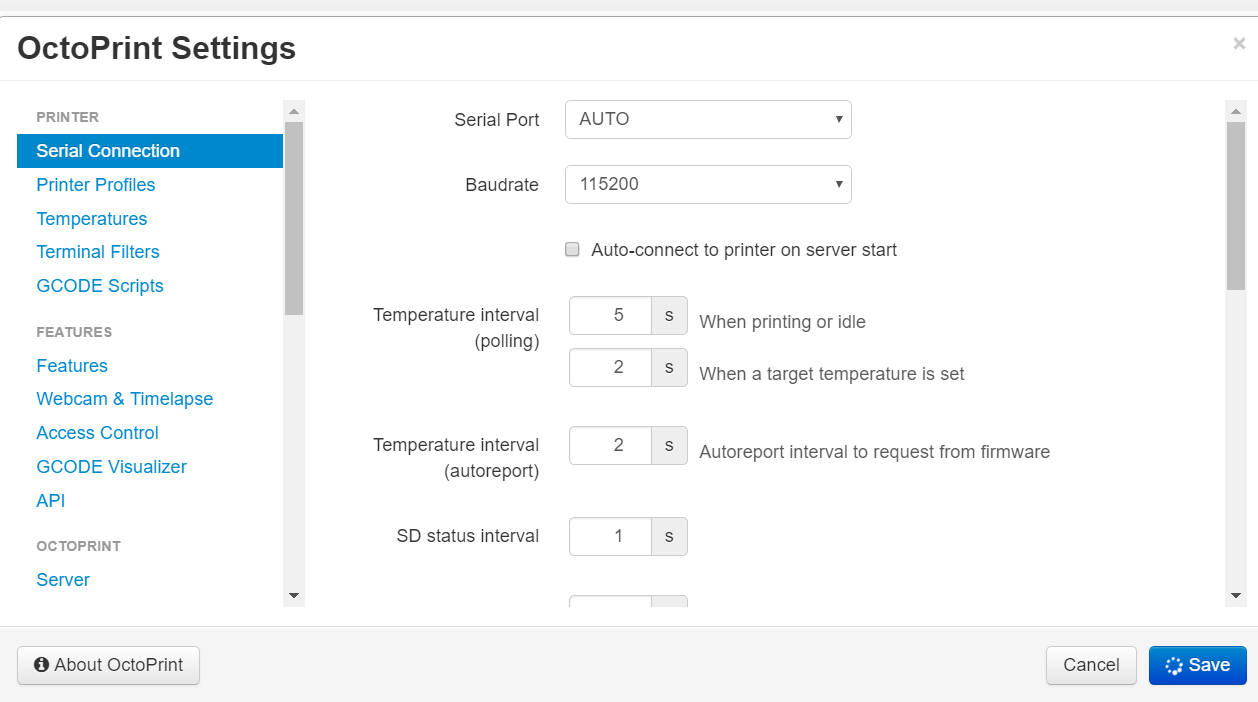
g
i uninstalled and reinstalled and now it works
cool, filamentreload plugin was causing the issue.